Share this
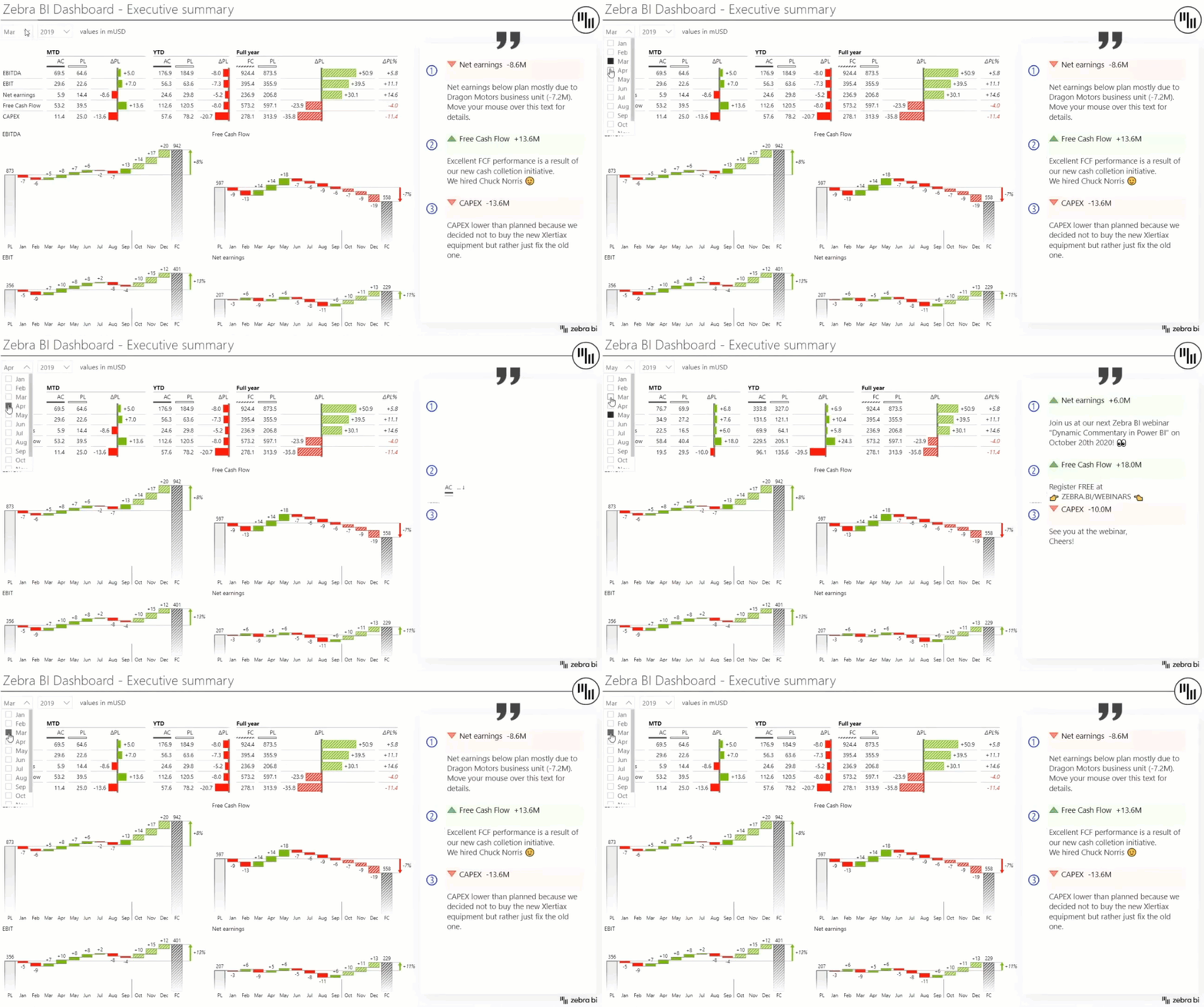
Dynamic Commentary in Power BI


In this webinar, we’ll dive into both basic & advanced ways of commenting that is possible in Power BI.
You'll learn:
Presenter


Founder & CEO at Zebra BI
Andrej brings 25 years of experience in business intelligence and software development and 20 years as a consultant. Helping numerous international and regional companies achieve consistent and efficient internal reporting throughout the organization inspired him to build Zebra BI.
Become a master of dynamic commentary in Power BI!
Commenting in Power BI is crucial for conveying your key business message in a clear and comprehensive way. It serves as a visual storytelling tool that complements your data that’s being visualized. At the same time, the additional text shouldn’t be making your reports look more complicated than they really are.
Commenting can make or break your Power BI reports.
We believe all of us have dealt with comments in Power BI in one way or another, at least by using the built-in function or adding text boxes. However, setting up dynamic commentary that will react to filters or even allowing users to write comments directly in Power BI, is a huge challenge.