Top 10 Most Effective Power BI Dashboard Tips & Tricks In 2020
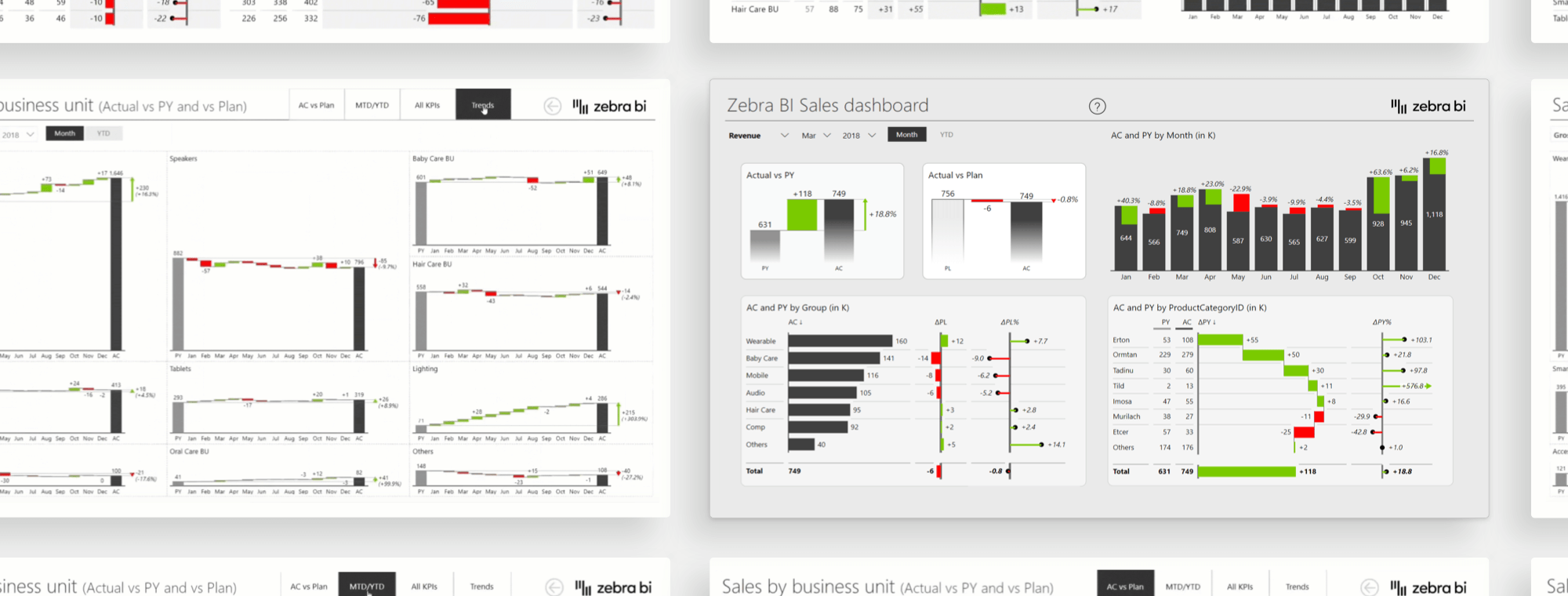
In this webinar, you'll learn how to use some of the most effective techniques that will help you deliver well-organized, user-friendly and extremely actionable Power BI dashboards.
Watch the recording and make sure you use these bells and whistles in the proper and productive way.
Wat je leert:
Presentator


Founder & CEO at Zebra BI
Andrej brings 25 years of experience in business intelligence and software development and 20 years as a consultant. Helping numerous international and regional companies achieve consistent and efficient internal reporting throughout the organization inspired him to build Zebra BI.
Don't miss this session on the most effective Power BI Tips & Tricks!
Power BI offers a myriad of features such as slicers, bookmarks, page tooltips, drill-down, drill-through, parameters, dynamic titles, role-based security, etc. This opens up numerous possibilities for building really nice interactive dashboards, but at the same time makes the art of dashboard building even more challenging.
Zebra BI founder Andrej Lapajne shares the top most effective tips he's using to help customers create more actionable dashboards for their internal reporting.
Bekijk op aanvraag
Watch the video

Zebra BI-webinars zijn al bezocht door meer dan 10.000 deelnemers!