Visual Storytelling with Zebra BI for Excel 2.1
In this webinar, you'll see all the new features explained in detail with several real-world use-case examples.
Wat je leert:
Presentator


Founder & CEO at Zebra BI
Andrej brings 25 years of experience in business intelligence and software development and 20 years as a consultant. Helping numerous international and regional companies achieve consistent and efficient internal reporting throughout the organization inspired him to build Zebra BI.
Get up to speed with all new features of Zebra BI 2.1
After working hard on it for several months, Zebra BI 2.1 is finally released!
It introduces several new features that will enable you to work in Excel even easier:
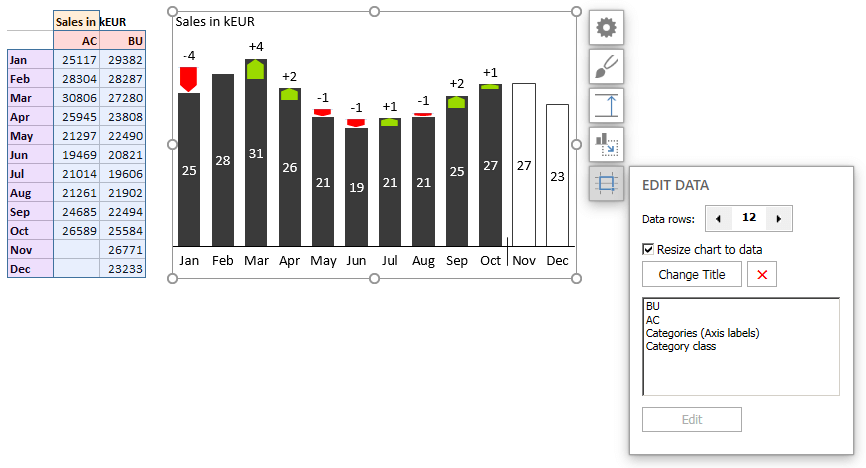
- a completely new Data Editor,
- the ability to insert charts from multiple Excel ranges,
- a special presentation mode to make interactive full-screen presentations directly out of Excel,
- the dynamic difference highlights that change with refreshed data,
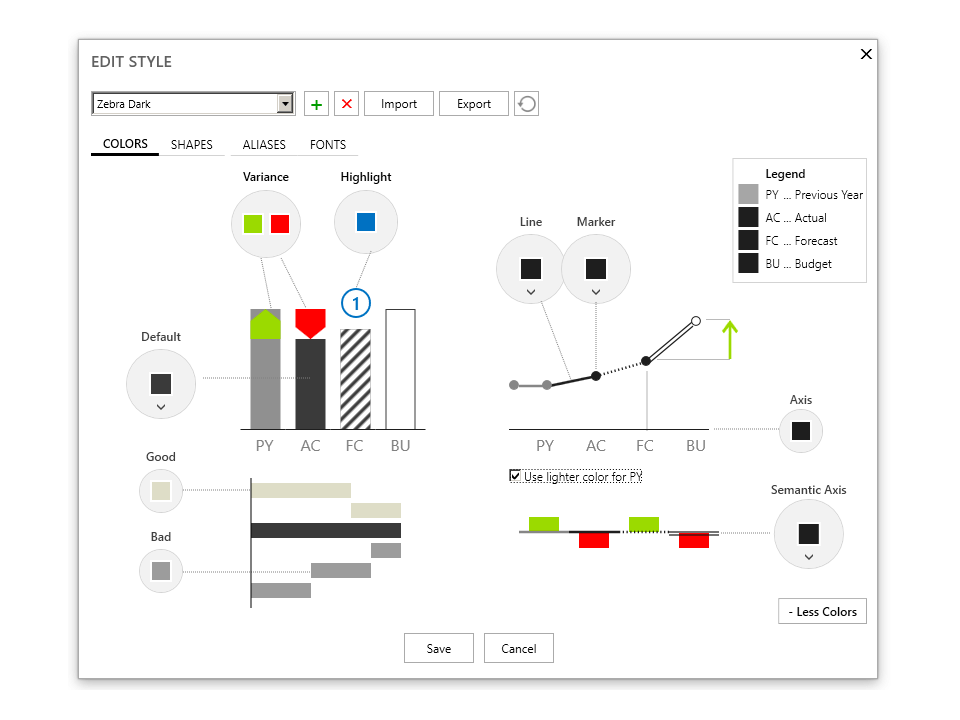
- new Style Editor with more design options for charts, etc.
Bekijk op aanvraag
Watch the video

Zebra BI-webinars zijn al bezocht door meer dan 10.000 deelnemers!