Share this
Writeback Commentary in Power BI via Power Apps


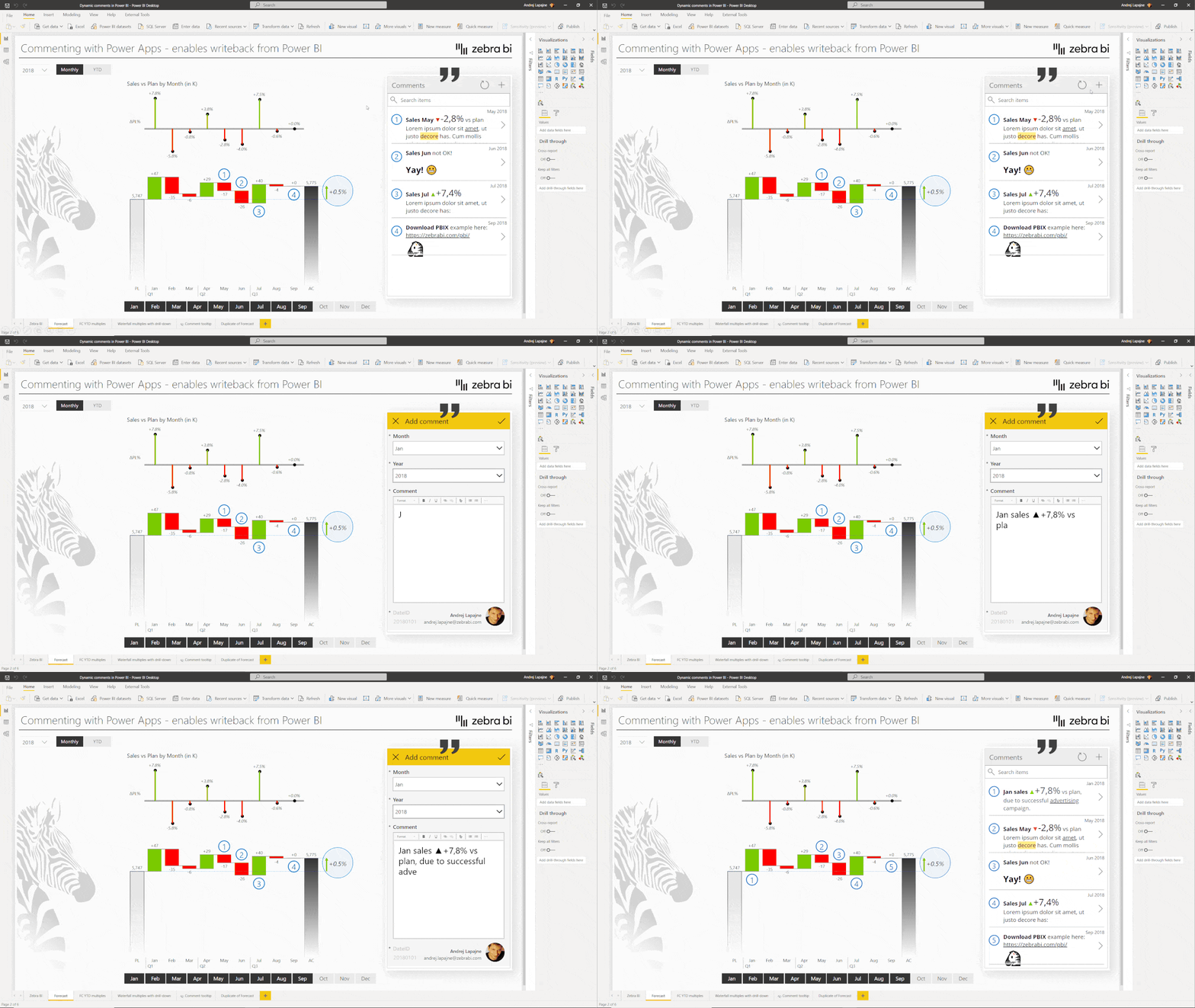
In this session, we will demonstrate how to build a Power App for dynamic commentary, how to include it into a Power BI report, and roll it out. The Power App will then react to filters and allow users to write back their comments directly in Power BI.
You'll learn:
Presenter


Founder & CEO at Zebra BI
Andrej brings 25 years of experience in business intelligence and software development and 20 years as a consultant. Helping numerous international and regional companies achieve consistent and efficient internal reporting throughout the organization inspired him to build Zebra BI.
Enabling writeback comments in three easy steps
Most dashboards lack any kind of qualitative explanation that would enhance the experience for the end-user. This is especially important in executive dashboards where managers want to read some explanations why something has happened, why is some KPI below the plan, and so on.
There are a couple of ways how to implement dynamic commentary in Power BI, but only one of them allows users to write the comments directly on a Power BI report page.
In this webinar, we'll look at how you can add dynamic writeback comments to your dashboards with Power Apps, allowing users not just to add dynamic comments but also to write back their feedback directly in Power BI. This will require you to have a Microsoft account for using Power Apps.
In the video is demonstrated the whole process from a blank Power BI report to a fully functioning solution of write-back commentary.