Earnings Call Presentation PowerPoint Template


Overview
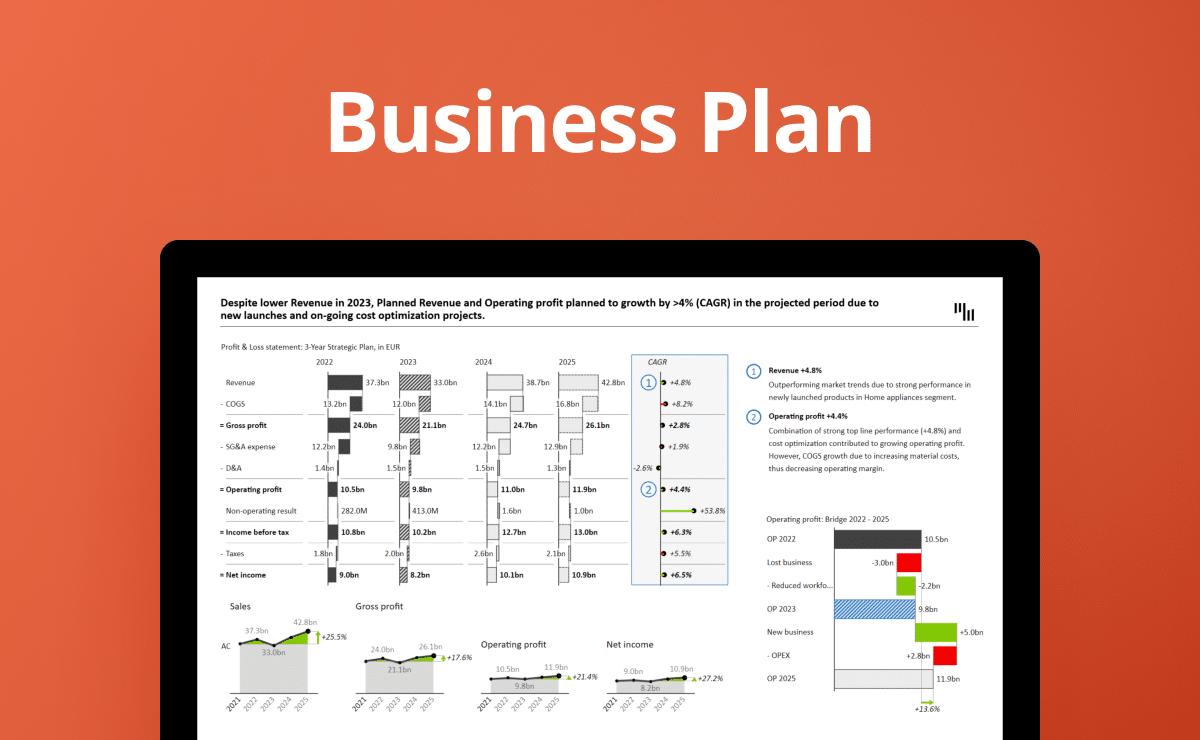
An essential tool for publicly traded companies is the earnings call presentation. It provides a comprehensive update on a healthcare company's financial health, strategic direction, and operational progress. Our Earnings Call Presentation PowerPoint Template equips financial analysts and executives with a professional tool for effectively communicating quarterly or annual results.
Purpose of Earnings Call Presentations
An earnings call is a teleconference where public companies discuss the financial results of a reporting period (quarterly or annually). The primary goal is to update stakeholders on their financial health, strategic direction, and operational progress. This applies to the healthcare industry and all publicly traded companies.
Usage and Frequency
Earnings calls are typically held after releasing company financial statements, ensuring timely information dissemination. These presentations are used quarterly and annually to align with financial reporting cycles.
Preparation and Audience
Earnings call presentations are prepared by financial analysts, controllers, or the CFO, with input from various departments, such as marketing, operations, and strategic planning. The primary audience includes investors, analysts, and financial journalists. Secondary audiences may include employees and strategic partners.
Key Elements of Earnings Presentations
- Financial Overview: Detailed discussion of revenue, profit margins, expenses, and earnings per share.
- Operational Highlights: Updates on operational milestones, upcoming product launches, market expansion, and regulatory changes.
- Strategic Updates: Information on mergers, acquisitions, partnerships, and other strategic initiatives.
- Forward-Looking Statements: Projections for future performance and upcoming goals.
- Q&A: A session where analysts and investors can ask management questions directly related to the results and forecasts.
Get started in 3 steps
Fill out the form and get the PowerPoint template