Event
The Future of Data Storytelling using AI, Power BI, and Office

Watch the on-demand recording to be at the forefront of the AI revolution:

  • Watch the first-ever Zebra AI live demo
  • Discover the annotations feature with Zebra BI in Power BI
  • See how data storytelling in Excel & PowerPoint can change your ways of doing reports
  • Reporting best practices for 2024

The future is here. Be among the first to witness how Zebra BI will transform the way you narrate your data in 2024 in Power BI, Office, or using AI.

Start your free trial of Zebra BI today and get a glimpse into the future by joining the Zebra AI waitlist.

What's included

Full video recording
Access to AI waitlist
Enjoy & thank you for watching! Don't hesitate to reach out if you have any questions — write to us at support@zebrabi.com!

Presenter

Andrej Lapajne

Founder & CEO at Zebra BI

Watch the Video

Join AI waitlist
The future is here. Secure your spot on the VIP waitlist.
Join AI waitlist
Share this

Your Questions

Here are some of the questions that came up during our live session. Thank you for being such a proactive audience. Have more questions? Drop us a note at support@zebrabi.com!
Can I use Zebra AI now?

You can join our waitlist at https://zebra-ai.com/waitlist.

How can you embed Power BI report to PowerPoint?

PowerPoint has a built in embed for Power BI --> in the ribbon go to 'Insert' tab and find Power BI, there you can simply paste in the link to the report.

But you can also create a PowerPoint slide deck with direct connection to either the whole report page or just link a single Power BI visual from Power BI service side --> if you need some help with this, you can ask for help on support@zebrabi.com and we will be happy so show you how.

Will the comments change when the month/year on the visual changes also? Same for MTD/YTD...

Yes. When comments are added they are done so by considering the filter context.

Are we able to use these charts as pictures included within our reports, even if the viewer doesn't have a Zebra BI license?

All viewers will see the reports normally, even if they don't have Zebra BI add-ins installed.

Ready to start uncovering actionable insights from your data?

Explore Zebra BI for Office and Power BI, or start a trial instantly and test our tools on your data. You can also contact us to help you build your first test report and create a custom package for your business.

More Trending Webinars

Upcoming
June 4, 2026
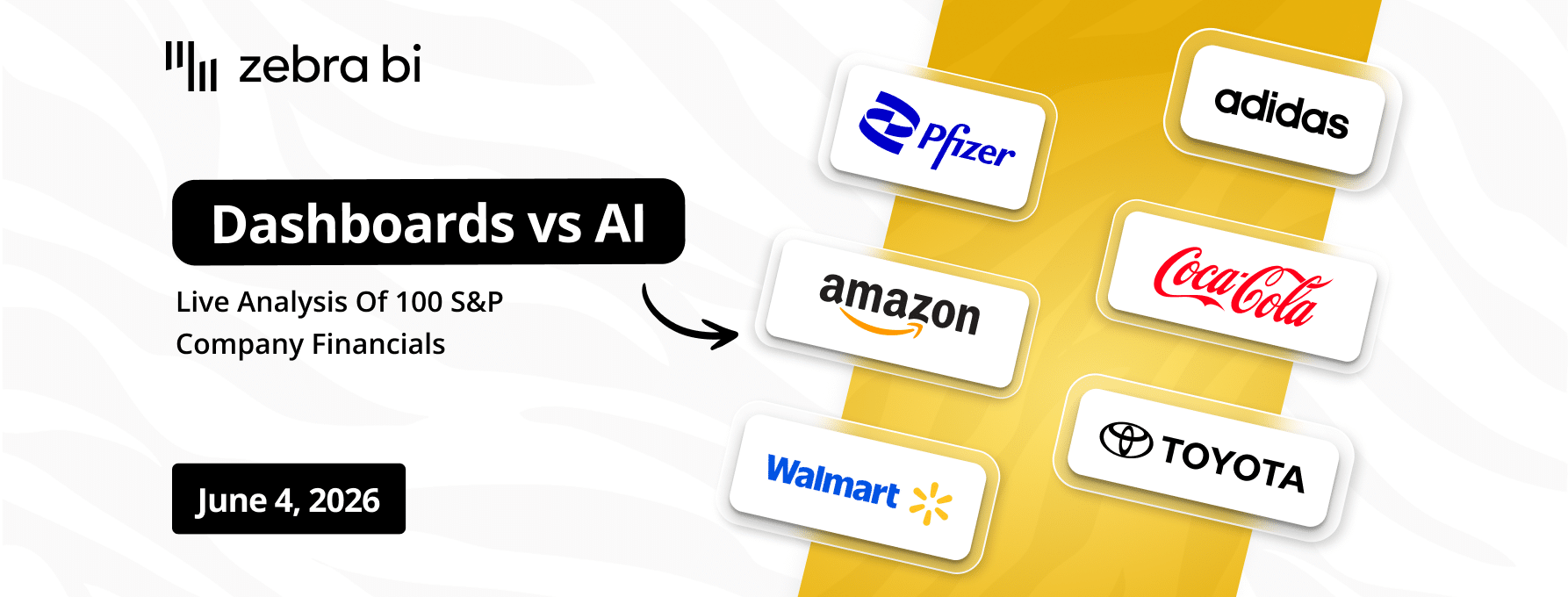
Dashboards vs AI: Live Analysis of 100 S&P Company Financials
Finance teams are debating dashboards vs AI. We're not going to debate. We're going to show. On June 4, we walk through 100 real company P&Ls (Nike, Tesla, Pfizer, Walmart, Amazon) across 6 industries and 6 years of public financial data, live, in a single report. See what great financial reporting looks like at scale.
Register
March 26, 2026
How teams cross the Last Mile
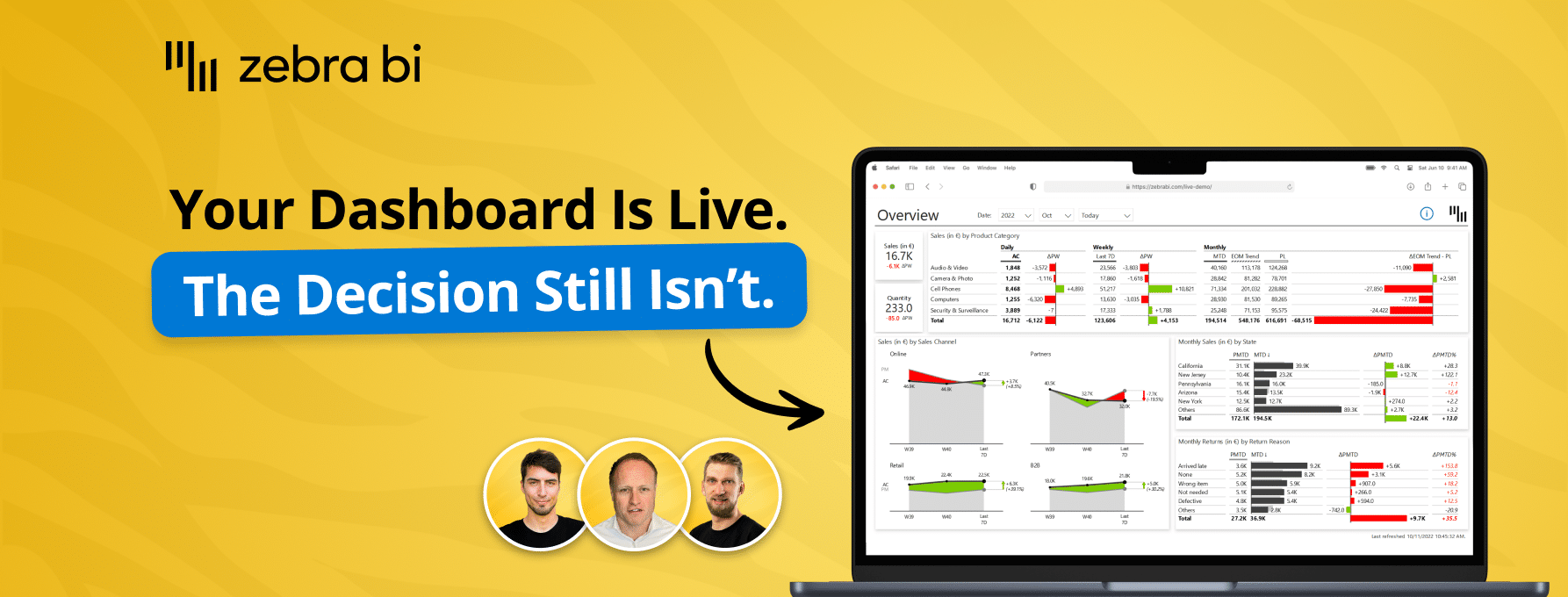
Your reports are ready. Decisions aren't. Learn how to close the Last Mile - live Power BI build, real client case, actionable framework. Free, 60 min.
Watch now
April 23, 2026
Power BI reporting that actually works: 3 real teams, real results
Your reports are ready. Decisions aren't. Learn how to close the Last Mile - live Power BI build, real client case, actionable framework. Free, 60 min.
Watch now
March 5, 2026
Why BI fails in the Last Mile - How top teams turn reports into decisions
Your dashboards look great. Decisions still lag. Find out why - and what top teams do differently to close the gap between insight and action.
Watch now
December 16, 2025
AI in FP&A: From Raw Data to Reporting Automation
Join our live webinar to learn how to use Zebra AI to turn raw finance and business data into executive-ready dashboards that help Controlling & FP&A teams explain performance.
Watch now
Browse All Resources