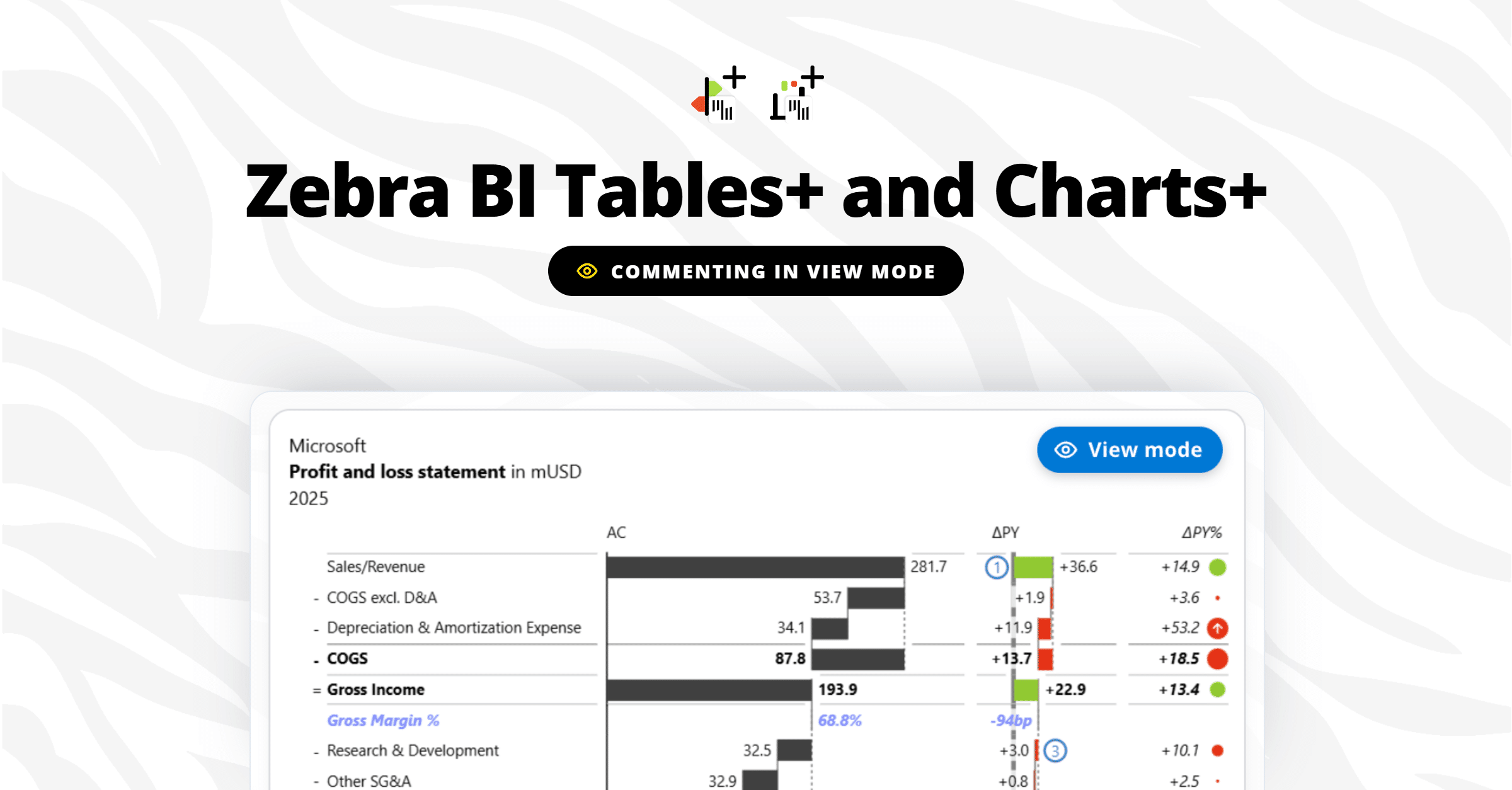
Webinar recording
Commentary Revolution: Transforming Power BI Dashboards with Dynamic Comments

Watch the on-demand recording to transform your Power BI dashboard with dynamic comments. Learn:

  • Why is commenting and data storytelling important
  • The difference between the old way and our new innovative single click way of adding commentary
  • How commentary and data storytelling make reports and dashboards more effective

Put an end to the frustration! Now easier than ever  add insightful comments in Power BI directly on visual. Save time and money with our out-of-the-box solution. 

Start your free trial of Zebra BI today.

What's included

Full video recording
PBIX examples shown in the webinar
Enjoy & thank you for watching! Don't hesitate to reach out if you have any questions — write to us at support@zebrabi.com!

Presenter

Andrej Lapajne

Founder & CEO at Zebra BI

Watch the Video

PBIX examples shown in the webinar
Try it on your own! Download our report templates and add dynamic comments with ease.
Access the materials
Share this

Your Questions

Here are some of the questions that came up during our live session. Thank you for being such a proactive audience. Have more questions? Drop us a note at support@zebrabi.com!
Are the comments being stored in a table, or are the comments being stored in the visual itself?

The comments are stored directly in the visual.

What if a new version of the visuals are put live? Can we still keep the comments then, or do we loose the comments?

If you publish a new version of the report that doesn't have the same comments, you will overwrite them yes.

A visual update however, will not remove existing comments. They get stored in a similar way as a visual setting so updates of the visuals keep the same settings & commentary

Is it possible to transfer or copy comments from one visual to another? E.g. if I create a new one w/o comments and want to delete the old one with comments?

Currently not, you can copy the visual with the comments and go from there.

Will my users be able to add comments to a Power BI published to them?

Yes, if you grant them edit rights.
Ready to start uncovering actionable insights from your data?

Explore Zebra BI for Office and Power BI, or start a trial instantly and test our tools on your data. You can also contact us to help you build your first test report and create a custom package for your business.

More Trending Webinars

November 6, 2025
Zebra BI Partner Pulse Webinar
A new webinar series for Zebra BI partners — get the latest updates, explore new tools, and stay closely connected with the Zebra BI team.
Watch now
September 15, 2026
Introducing viewer commenting in Power BI: Zebra BI Tables+ & Charts+
Report viewers can finally comment right on the data, in view mode, with no Power BI edit access. Andrej Lapajne and Mark Leskovšek launch Zebra BI Tables+ and Charts+ live on a real report, then take your questions.
Watch now
June 4, 2026
Dashboards vs AI: Live Analysis of 100 S&P Company Financials
Finance teams are debating dashboards vs AI. We're not going to debate. We're going to show. On June 4, we walk through 100 real company P&Ls (Nike, Tesla, Pfizer, Walmart, Amazon) across 6 industries and 6 years of public financial data, live, in a single report. See what great financial reporting looks like at scale.
Watch now
March 26, 2026
How teams cross the Last Mile
Your reports are ready. Decisions aren't. Learn how to close the Last Mile - live Power BI build, real client case, actionable framework. Free, 60 min.
Watch now
April 23, 2026
Power BI reporting that actually works: 3 real teams, real results
Your reports are ready. Decisions aren't. Learn how to close the Last Mile - live Power BI build, real client case, actionable framework. Free, 60 min.
Watch now
Browse All Resources