(0:46) Bad examples of variance reports
(2:34) Examples of Zebra BI variance report
(3:15) Focus on variances: Color consistency and appropriate use of the chart types
(6:18) Using integrated variance charts
(8:41) Displaying the relative percentages: Lollipop chart
(11:41) Displaying YTD and the forecasts
(13:20) Displaying more segments
(14:32) Reporting on costs and expenses: Inverted colors
(17:07) Profit and Loss statement: Calculation reporting
(18:55) Row level inversion and outliers
(21:14) Using waterfall charts to emphasize the contributions
(22:33) Creating variance reports in Excel with Zebra BI
(25:10) Embedding charts into a table
(26:56) Editing and limiting the outliers
(30:49) Adjusting the chart labels
(33:00) Adjusting the units
(34:21) The importance of inverting the colors
(34:58) Forecast charts
(36:12) Editing style: Colors, shapes, creating a new label
(38:12) Page layout templates: Preparing the data, creating charts, moving/inserting charts
(42:26) Column markers
(43:49) Scaling charts
(45:23) Exporting to PowerPoint: Static and linked reports
(48:11) Creating Profit & Loss statement
(52:04) Scaling and inverting the colors
(53:05) Using waterfall charts
(54:34) Zebra BI resources and social media presence
Share this
Ready to start uncovering actionable insights from your data?
Explore Zebra BI for Office and Power BI, or start a trial instantly and test our tools on your data. You can also contact us to help you build your first test report and create a custom package for your business.
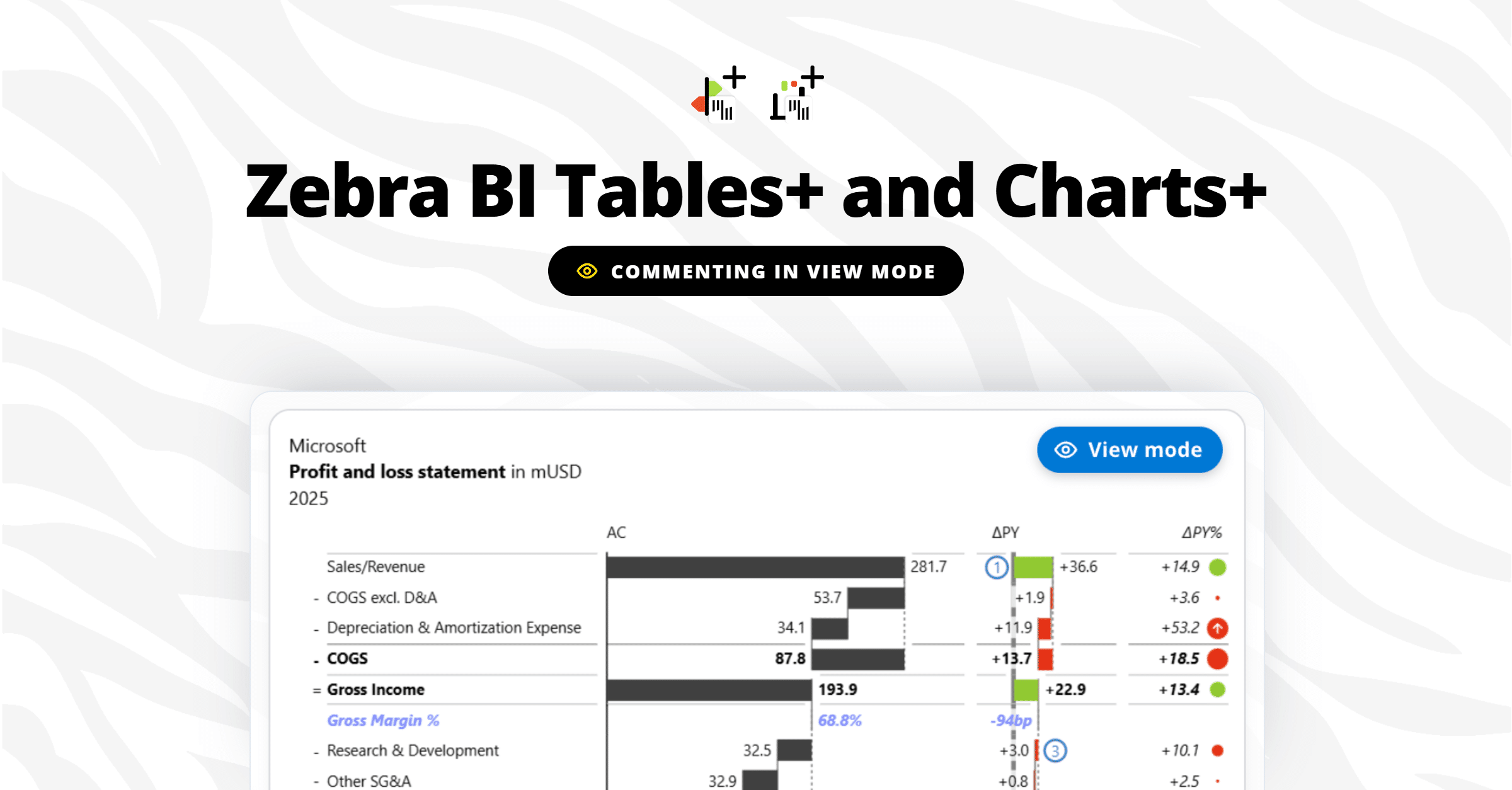
Report viewers can finally comment right on the data, in view mode, with no Power BI edit access. Andrej Lapajne and Mark Leskovšek launch Zebra BI Tables+ and Charts+ live on a real report, then take your questions.
Finance teams are debating dashboards vs AI. We're not going to debate. We're going to show. On June 4, we walk through 100 real company P&Ls (Nike, Tesla, Pfizer, Walmart, Amazon) across 6 industries and 6 years of public financial data, live, in a single report. See what great financial reporting looks like at scale.
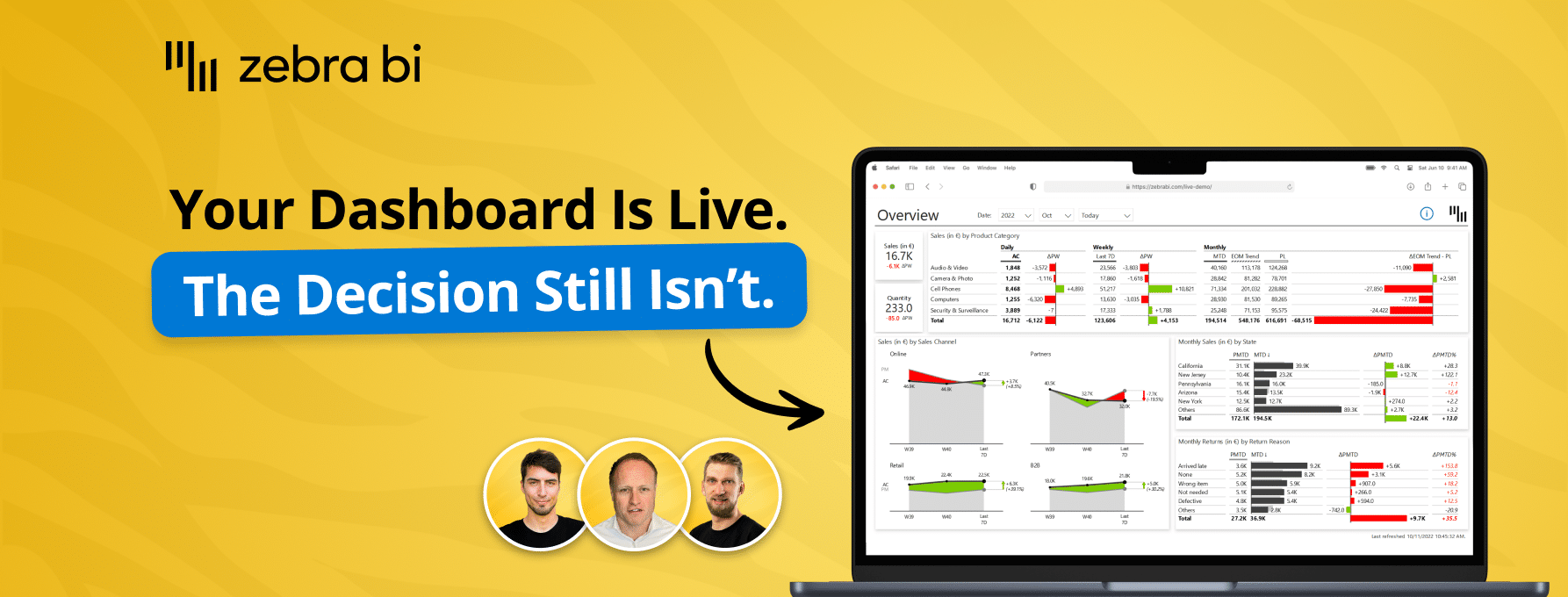
Your reports are ready. Decisions aren't. Learn how to close the Last Mile - live Power BI build, real client case, actionable framework. Free, 60 min.
Your reports are ready. Decisions aren't. Learn how to close the Last Mile - live Power BI build, real client case, actionable framework. Free, 60 min.
Kosten omlaag, opbrengsten omhoog. Zebra BI en Den of Data laten zien hoe je data centraliseert in een managed dataplatform en rapporteert volgens IBCS-standaarden, zodat dashboards direct tonen waar actie nodig is. Nu on demand te bekijken.

 September 8th
 February 22nd