Webinar recording
Mastering Brand and Product Portfolio Analysis in Power BI

Nielsen's market reports are recognized for their relevance across multiple sectors, including consumer goods, retail, media, pharmaceuticals, automotive, food and beverage, technology and finance. But mastering Nielsen data in Power BI for brand analysis and strategic decision-making can be complex. This webinar will introduce the strategic approach to using Nielsen data. You will gain actionable insights and practical strategies to improve brand performance.

Watch our webinar on mastering Brand and Product Portfolio Analysis in Power BI to:

  • Obtain a holistic view of brand performance.
  • Gain deep insights into market trends and dynamics.
  • Benchmark brand performance against industry standards and competitors.
  • Evaluate price and revenue performance for optimized profitability.
  • Identify potential opportunities and threats.
  • Make informed decisions based on data-driven insights.

What's included

Full video recording
PBIX example used in the webinar
Enjoy & thank you for watching! Don't hesitate to reach out if you have any questions — write to us at support@zebrabi.com!

Presenter

Andrej Lapajne

Founder & CEO at Zebra BI

Watch the Video

Download PBIX example
Try it on your own! Download our report templates and add dynamic comments with ease.
Access the materials
Share this

Your Questions

Here are some of the questions that came up during our live session. Thank you for being such a proactive audience. Have more questions? Drop us a note at support@zebrabi.com!
If i delete charts by mistake, what happens ? Can i Retrieve my data or chart?

Yes of course, you can go back - the data is always present within the PBI data.

What if the period field are in together in a table format?

It will be filtered by the slicer or not (you can also control which elements interact with each other).

How to add item instead of brand in matrix? Is a tutorial?

You can replace any category in the visualizations from the Data fields list on the right hand side of Andrej's screen. But you can also do this dynamically as we showed in the webinar.

Is it possible to integrate AI so that the comments can be automatically generated by learning from trained data?

Actually we have a standalone tool for that if you are interested: https://zebra-ai.com/
Ready to start uncovering actionable insights from your data?

Explore Zebra BI for Office and Power BI, or start a trial instantly and test our tools on your data. You can also contact us to help you build your first test report and create a custom package for your business.

More Trending Webinars

Upcoming
June 4, 2026
Dashboards vs AI: Live Analysis of 100 S&P Company Financials
Finance teams are debating dashboards vs AI. We're not going to debate. We're going to show. On June 4, we walk through 100 real company P&Ls (Nike, Tesla, Pfizer, Walmart, Amazon) across 6 industries and 6 years of public financial data, live, in a single report. See what great financial reporting looks like at scale.
Register
March 26, 2026
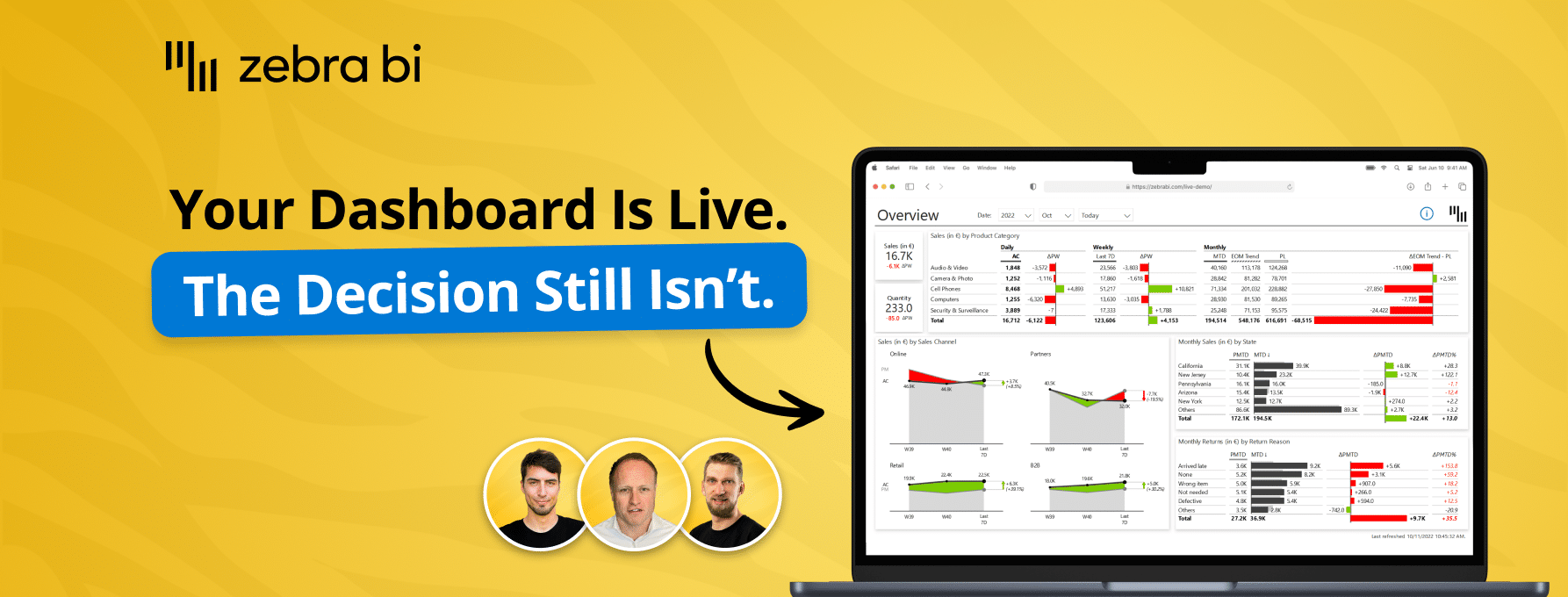
How teams cross the Last Mile
Your reports are ready. Decisions aren't. Learn how to close the Last Mile - live Power BI build, real client case, actionable framework. Free, 60 min.
Watch now
April 23, 2026
Power BI reporting that actually works: 3 real teams, real results
Your reports are ready. Decisions aren't. Learn how to close the Last Mile - live Power BI build, real client case, actionable framework. Free, 60 min.
Watch now
March 5, 2026
Why BI fails in the Last Mile - How top teams turn reports into decisions
Your dashboards look great. Decisions still lag. Find out why - and what top teams do differently to close the gap between insight and action.
Watch now
December 16, 2025
AI in FP&A: From Raw Data to Reporting Automation
Join our live webinar to learn how to use Zebra AI to turn raw finance and business data into executive-ready dashboards that help Controlling & FP&A teams explain performance.
Watch now
Browse All Resources