Webinar recording
Supercharge your Power BI dashboards to drive action

Let's put an end to unintuitive reports with no simple way to get the right insights.

We invite you to watch this webinar to learn how to nail your dashboard landing pages in Power BI and make your KPI scorecards super actionable.

Bonus: don't miss the big reveal from Zebra BI either!

What's included

Full video recording
PBIX example used in the webinar
Enjoy & thank you for watching! Don't hesitate to reach out if you have any questions — write to us at support@zebrabi.com!

Presenter

Andrej Lapajne

Founder & CEO at Zebra BI

Watch the Video

Get PBIX Example
You can download the PBIX example that we used at the webinar to check how it's done!
Access the materials
(0:00) - Introduction by Andrej Lapajne, the founder and CEO of Zebra BI
(5:30) - Tips, tricks, and best practices
(8:57) - Agenda
(9:59) - Dashboard layout design pattern
(15:42) - How to structure your landing pages
(26:20) - Landing page checklist
(29:03) - Dashboard examples
(34:26) - The new visual Cards introduction
(53:40) - Q&A session
Share this

Your Questions

Here are some of the questions that came up during our live session. Thank you for being such a proactive audience. Have more questions? Drop us a note at support@zebrabi.com!
Does the visual work with other formats, for example: time, duration, percentages?

Surely - you can format the percentages - you can also display different types of units, currencies, symbols, etc.

Is this new visual part of the existing licensing package?

Yes, that's the best news! The pricing will not increase and Zebra BI will make sure that all users get a really high added value from the visuals. Right now, you'll get three visuals instead of two. Existing users can use their existing license keys and Zebra BI Cards will work with them too.

Can you set scaling of the charts, so certain charts are on the same scale?

Yes, and this is one of the strongest features within Zebra BI Cards. You can have several groups of visuals with the same scaling and the number of those groups is unlimited. So you can have for example 20 groups of visuals sharing the same axis.

How were you able just to grab the KPI and place all separate measures in one field?

That's a great idea for the next webinar! How to consolidate your KPIs, so how do you put them into text dimension?

What you need to achieve from your measures, fact tables, and so on, is to collect all of the KPIs into one single table. This is called unpivoting in Power BI - you can do it with Power Query or with DAX.

We've explained this in more detail in Knowledge Base.

You need to create a table with KPI ID, KPI Group that will serve for grouping of KPIs, etc.
Prefer written step-by-step instructions?

Read the Article

Ready to start uncovering actionable insights from your data?

Explore Zebra BI for Office and Power BI, or start a trial instantly and test our tools on your data. You can also contact us to help you build your first test report and create a custom package for your business.

More Trending Webinars

Upcoming
June 4, 2026
Dashboards vs AI: Live Analysis of 100 S&P Company Financials
Finance teams are debating dashboards vs AI. We're not going to debate. We're going to show. On June 4, we walk through 100 real company P&Ls (Nike, Tesla, Pfizer, Walmart, Amazon) across 6 industries and 6 years of public financial data, live, in a single report. See what great financial reporting looks like at scale.
Register
March 26, 2026
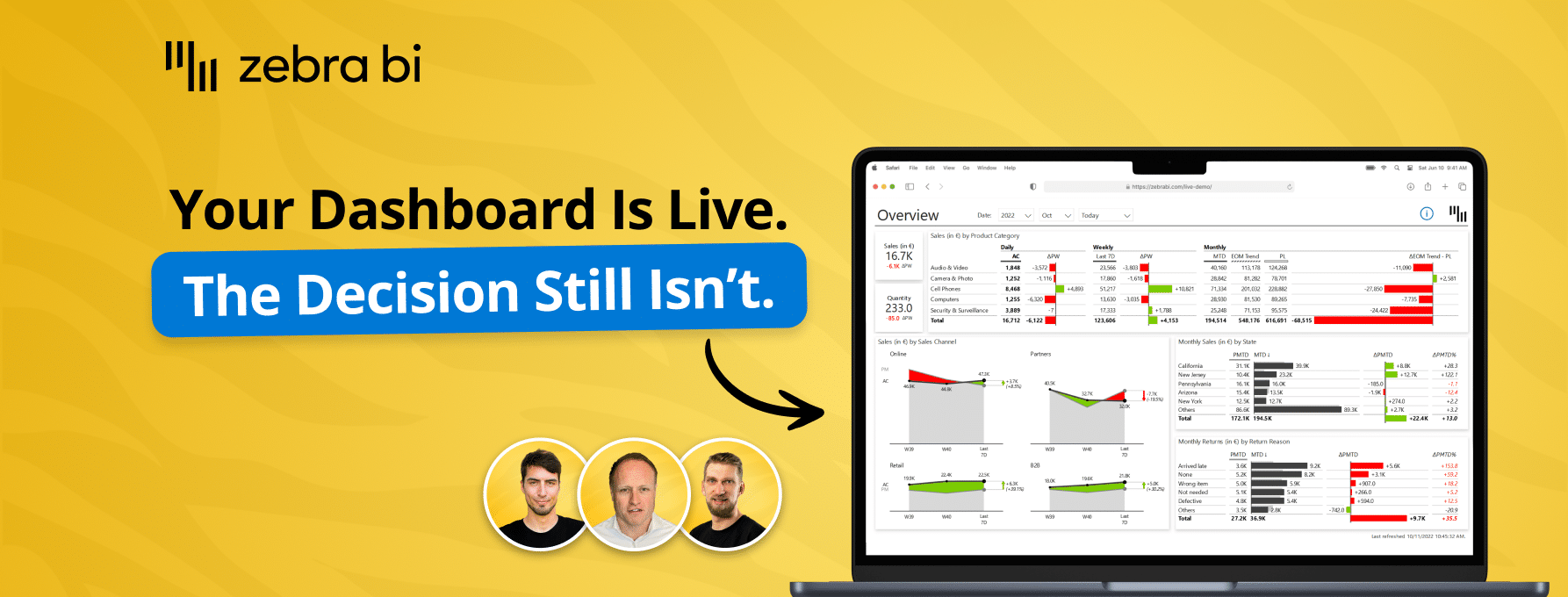
How teams cross the Last Mile
Your reports are ready. Decisions aren't. Learn how to close the Last Mile - live Power BI build, real client case, actionable framework. Free, 60 min.
Watch now
April 23, 2026
Power BI reporting that actually works: 3 real teams, real results
Your reports are ready. Decisions aren't. Learn how to close the Last Mile - live Power BI build, real client case, actionable framework. Free, 60 min.
Watch now
March 5, 2026
Why BI fails in the Last Mile - How top teams turn reports into decisions
Your dashboards look great. Decisions still lag. Find out why - and what top teams do differently to close the gap between insight and action.
Watch now
December 16, 2025
AI in FP&A: From Raw Data to Reporting Automation
Join our live webinar to learn how to use Zebra AI to turn raw finance and business data into executive-ready dashboards that help Controlling & FP&A teams explain performance.
Watch now
Browse All Resources