Level of knowledge: Intermediate

April 26, 2023
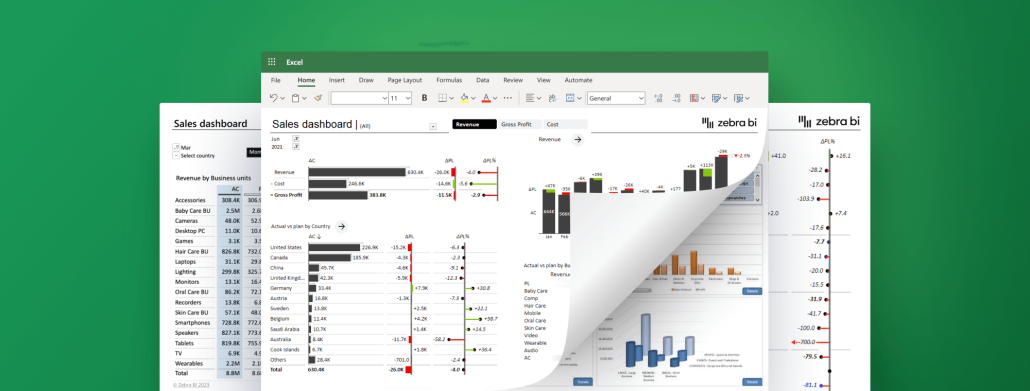
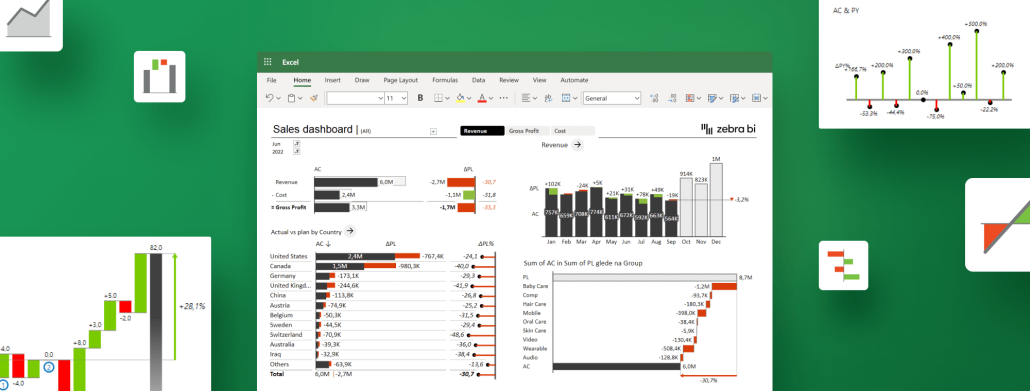
Best practices for using Excel for data visualization
The ultimate guide for using Excel for data visualization. Learn everything you need to create convincing and impactful reports and dashboards.
April 26, 2023
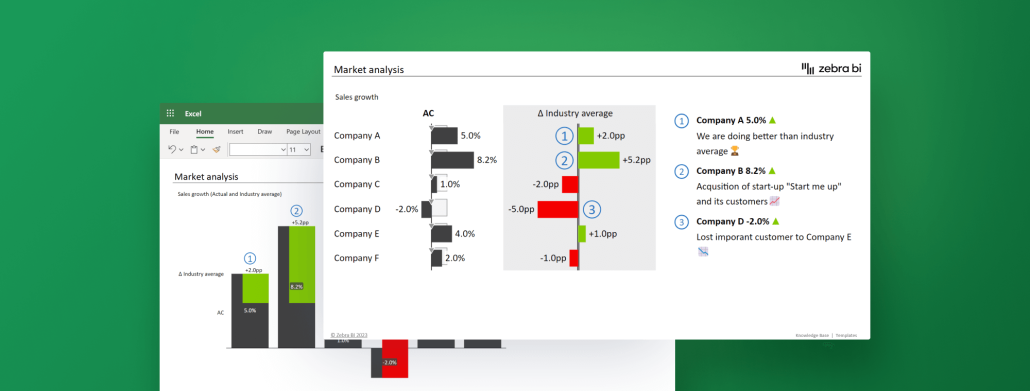
How to Use Excel for Market Analysis in 4 Simple Steps
Learn to use Excel for market analysis with our step-by-step guide. Dive into your data, create effective visuals using Zebra BI for Office, and make data-driven decisions fast.
April 21, 2023
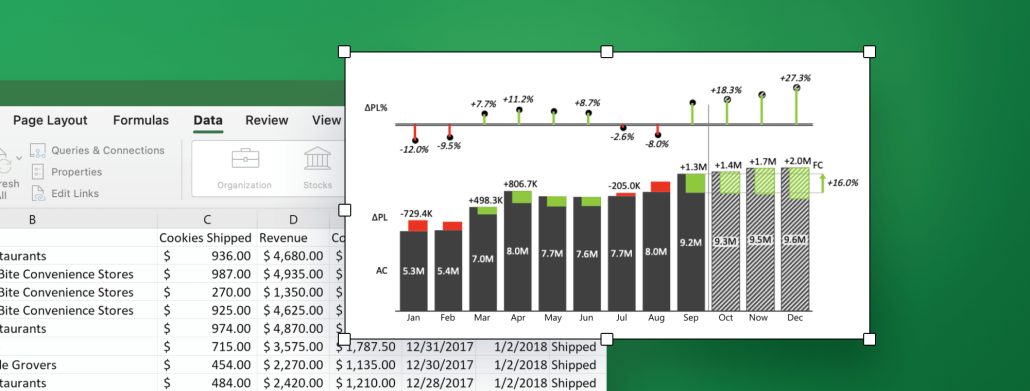
Best practices for creating Excel charts for financial reporting
Learn everything you need to create accurate, impactful & actionable financial reports using Excel charts. Based on best practices only!
April 19, 2023
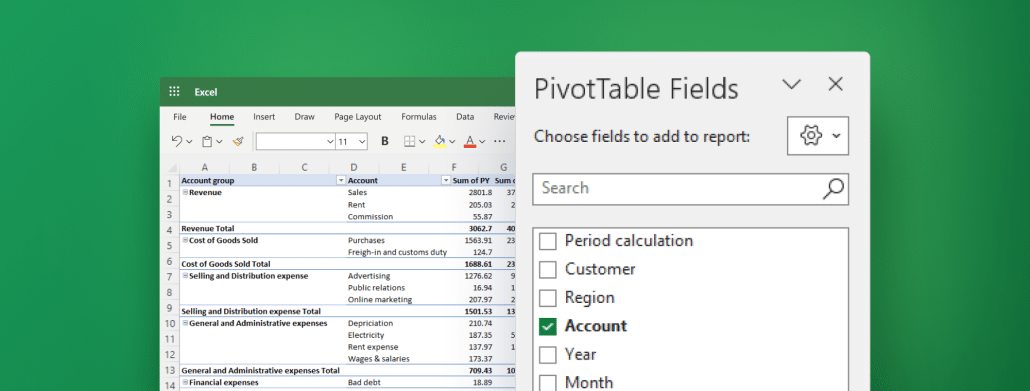
5 Must-Know Tips for Using Pivot Tables in Excel for Financial Analysis
Pivot tables for financial analysis: your new Excel BFF! Uncover their power to turn complex data into crystal-clear insights. Click, learn, and conquer!
Intermediate
March 31, 2023
Break-Even Analysis Template for Excel
Boost your financial decision-making with this free Break-Even Analysis Template for Excel, and gain critical insights for business growth.
Intermediate
March 31, 2023
Working Capital Analysis Template in Excel
Track cash flow and receivables with ease using this Excel template. Get a clear overview of funds tied up in operations and monitor DSO trends.
March 22, 2023
Must-Know Tricks for Interactive Excel Dashboards in 2024
Learn the must-know tricks for creating compelling interactive Excel dashboards that deliver key business insights at a glance. Level up your reporting while saving yourself some precious time.
March 21, 2023
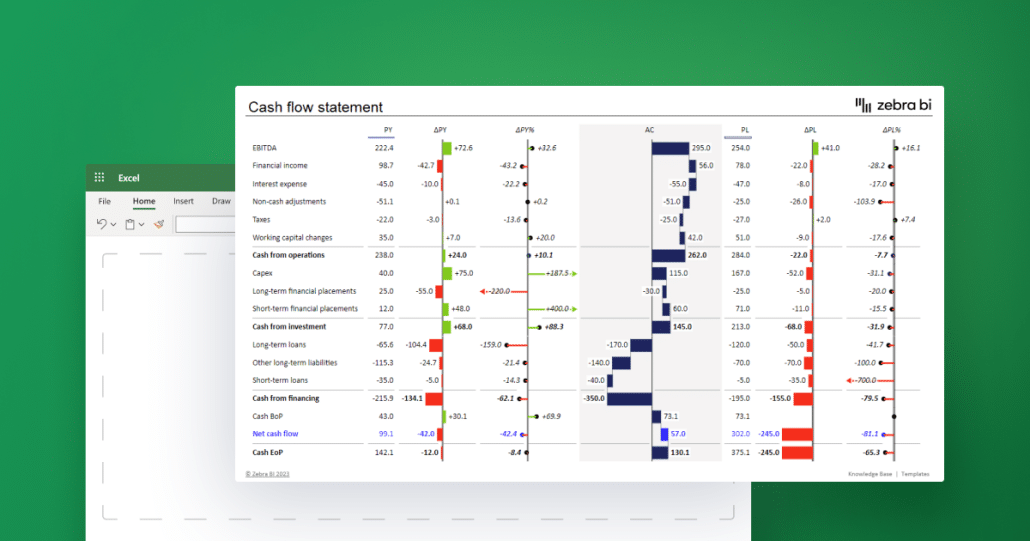
Cash Flow Statement in Excel: How To Create A Good One In 2024
Learn how to create a powerful cash flow statement in Excel for your business. Track your cash inflows and outflows with accuracy and identify trends, risks, and opportunities.
PowerPoint
Intermediate
March 17, 2023
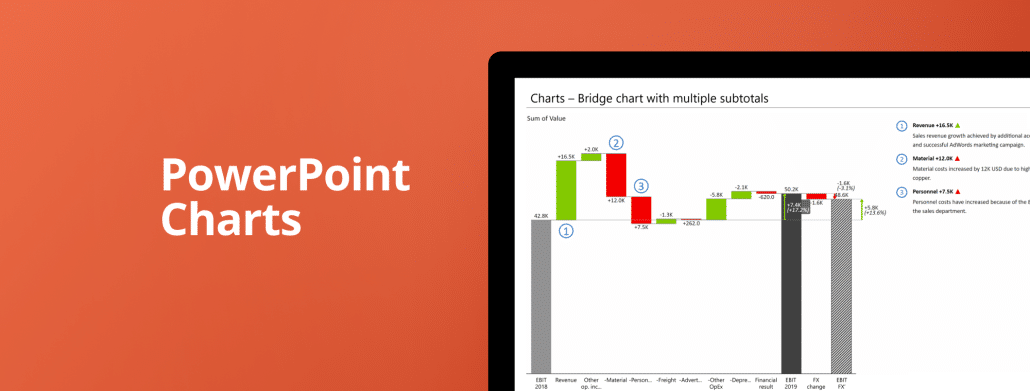
PowerPoint Charts
Learn how to create stunning interactive presentations with 30+ advanced PowerPoint charts and tables. All it takes is just seconds – see for yourself.

Pagination