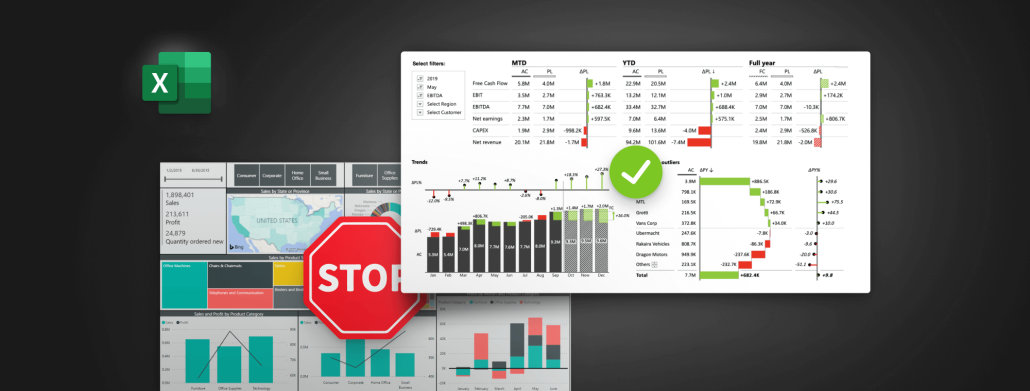
Visualize your sales performance with these easy-to-use templates for Excel. Compare your actuals with up to 3 measures (PY, PL and FC) and take advantage of advanced visualization features to show business insights in the clearest way possible.
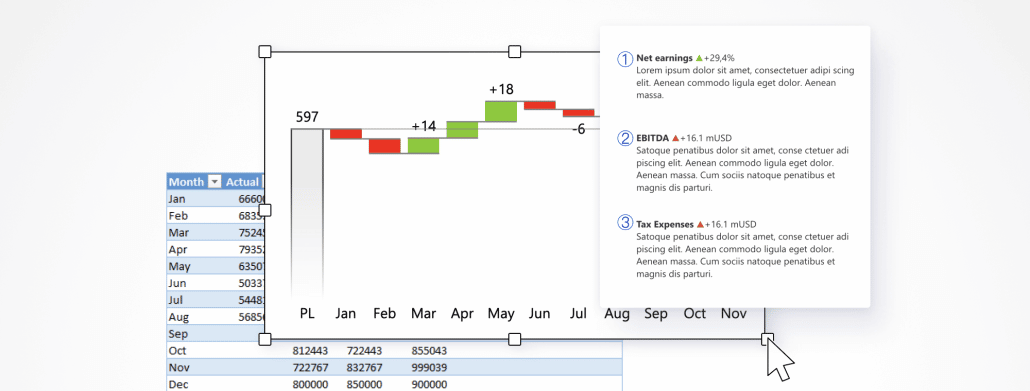
Learn how to create stunning, interactive Excel dashboards that provide immediate answers to your business questions and showcase your performance in a visually compelling way. Share your results easily and take your reporting to the next level, whether you're a seasoned BI pro or a passionate Excel enthusiast!
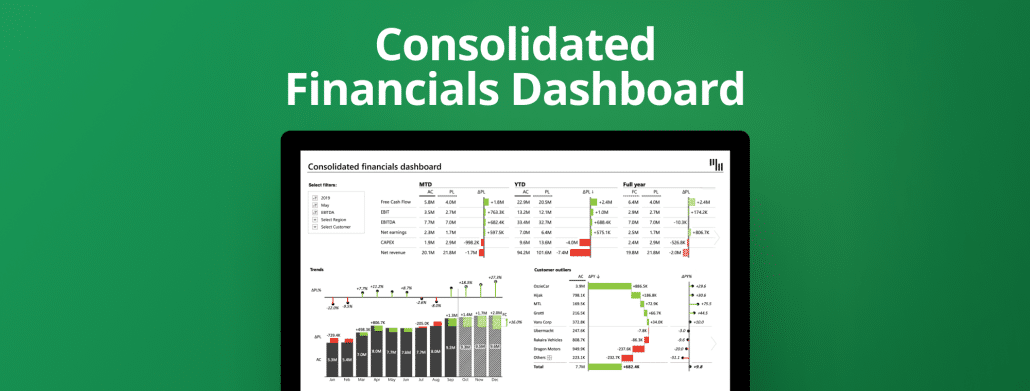
This advanced template brings a complete overview of your financial performance. You can see the complete overview of different KPIs, trends, and customer outliers. For more details use filters and immediately see what you're looking for.
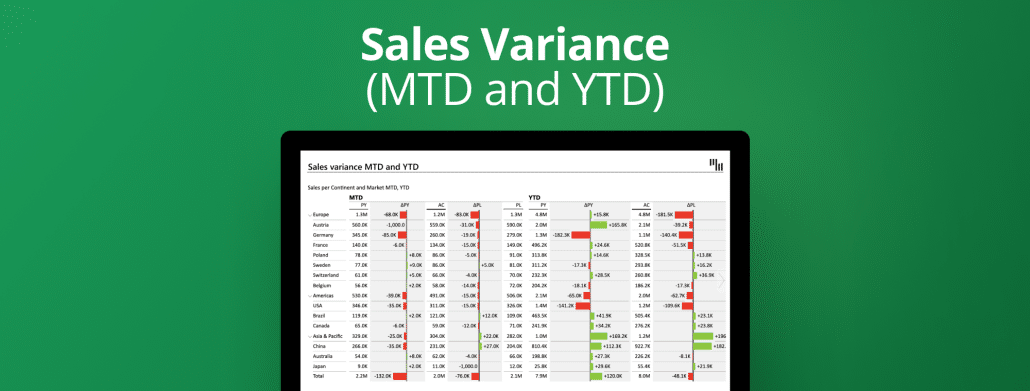
Use this template to visualize your sales performance with multiple levels in Excel. By using expand and collapse get an overview of data per continent or country. Get more understanding by comparing the actual to the plan and the previous year.
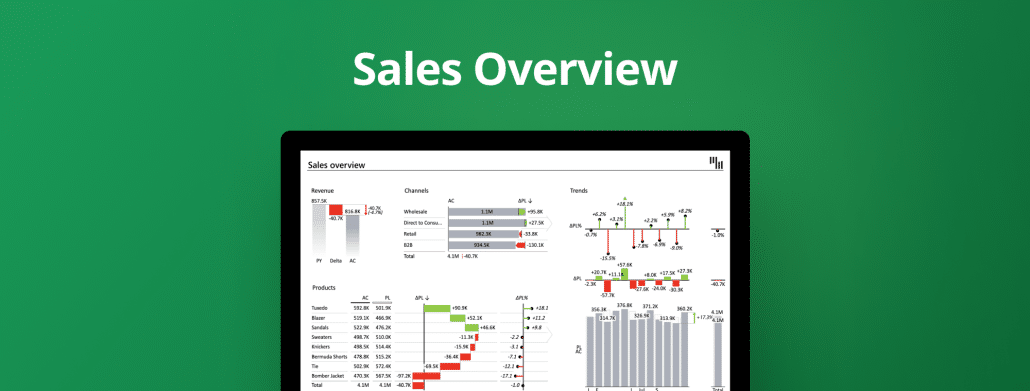
This template gives a top-level overview of sales KPIs split by products and channels. For better understanding check the comparisons and trends. Align the look and feel with your company branding.
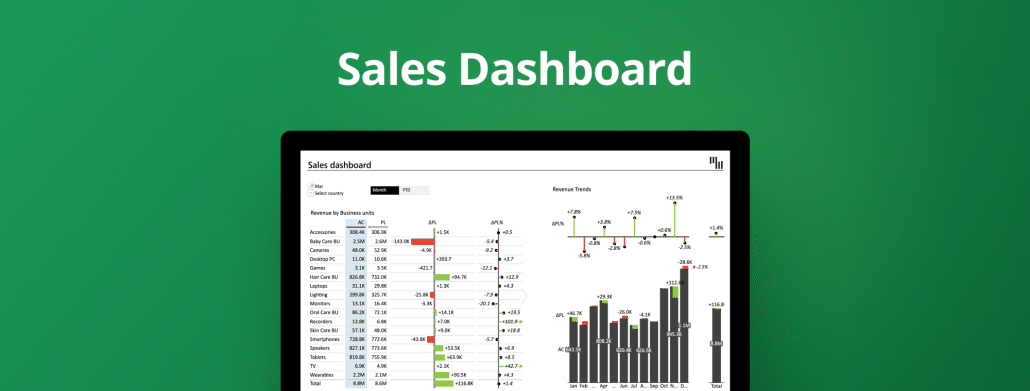
Use this interactive template for a complete overview of your sales performance with comparisons, trends, and slicers for tracking the month-to-date & year-to-date changes.
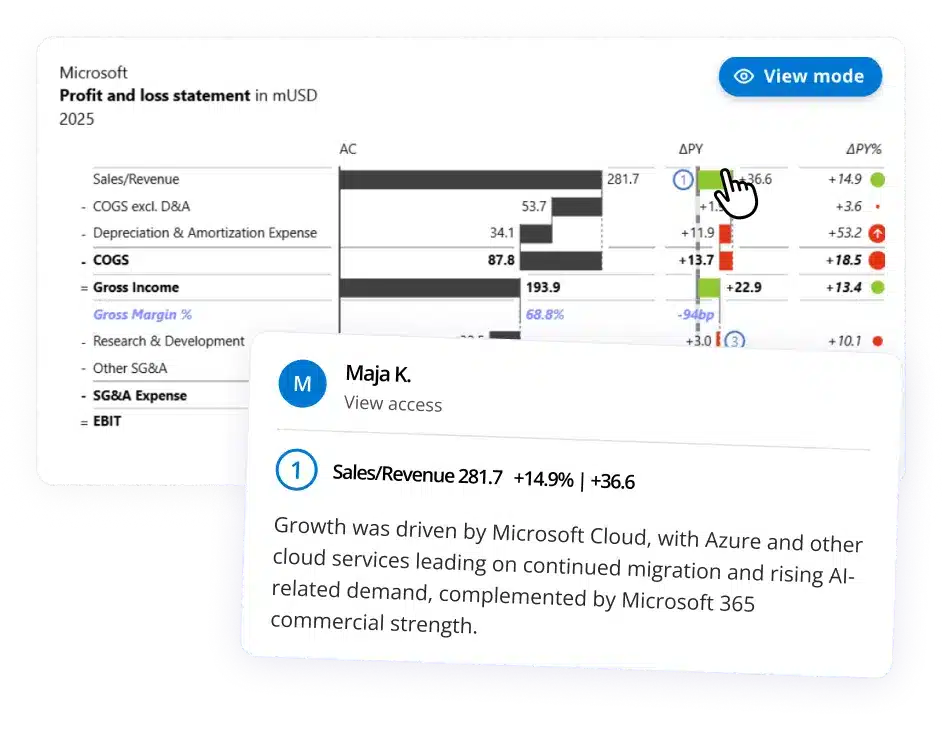
Use this template to understand the main KPIs of your business: revenue, costs, and profit. For better analysis compare them to plan and analyze the trends over time.
 September 8th
 February 22nd
 27 Oct 2026